How to get more enquiries from your website: a B2B guide


You get more enquiries from your website by fixing what happens after people arrive, not by buying more visitors. Picture a month of steady sessions in your analytics and an empty enquiry inbox. A buyer who leaves does not tell you why. They read your pages, compare you with other firms, and contact whoever makes the next step feel safe.
The same fixes apply whether you run a consultancy, a SaaS firm, or a professional practice.
This guide follows the path in the order a buyer meets it. First, find out why traffic is not turning into enquiries. Then fix the first screen and the proof, the contact page, the enquiry form, and the reply. Finally, track every enquiry so you know which change worked.
Traffic but no website enquiries? Diagnose before you change anything
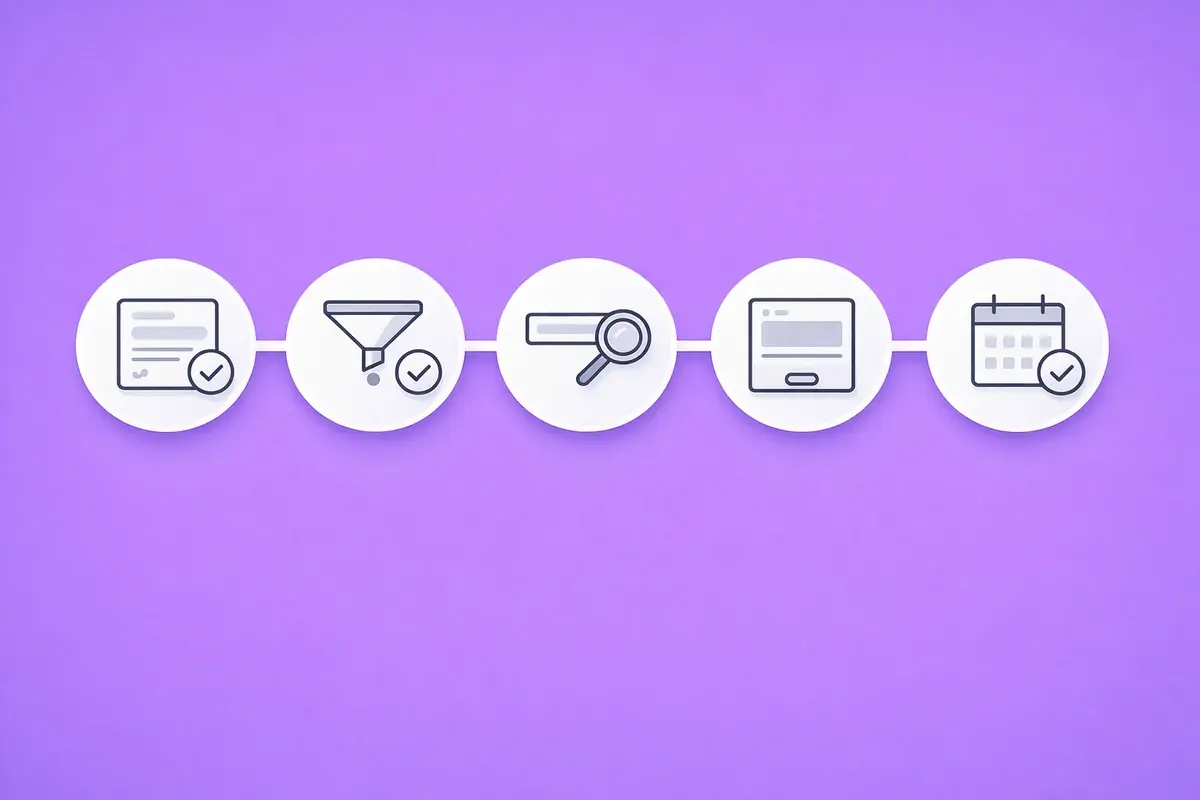
A quiet inbox with steady traffic has five common causes, and each has a different fix. Rewriting pages before you know which one applies is how firms spend months on the wrong problem. Work through the checks in this order, because the cheapest to rule out come first.
Check the form and the tracking first
A broken form is the cheapest leak to find. Submit your own enquiry on a phone and on a laptop. Confirm the email arrives, lands in your CRM, and stays out of the spam folder. Then check that Google Analytics 4 (GA4) records the submission as a key event. If the form works but GA4 shows nothing, you have a tracking gap, not an enquiry gap.
Then check who the visitors are
Not every visit is a person. Imperva's 2025 Bad Bot Report found that automated traffic made up 51% of all web traffic in 2024. GA4 excludes known bots automatically, but newer bots and referral spam can still inflate your session counts. Look for spikes with near-zero engagement time, or traffic from a country you do not serve.
The same applies to the form itself. If the inbox fills with junk submissions, real enquiries can be buried or missed entirely.
Match the traffic to what you sell
Real visitors can still be the wrong visitors. Open the Google Search Console queries report for your busiest pages. If most clicks come from job seekers, students, or people looking for a service you do not offer, the page is not failing. The traffic is.
Read the page as a buyer would
Only when the first three checks (form, bots, fit) pass is the page itself the likely cause. Open your busiest service page on a phone and give yourself ten seconds. Can you tell who it is for, what it delivers, and how to get in touch? If not, the fixes in the next three sections apply. If it does, check timing next.
Allow for buyer timing
The fifth check is timing. 6sense's 2024 Buyer Experience Report found B2B buyers were nearly 70% through their purchase before engaging a seller. The same report found 81% already had a preferred vendor at first contact. A visit today may become an enquiry next quarter, so judge the trend over months, not days.
| Check | What to look at | What it rules out |
|---|---|---|
| Form and tracking | A test submission, your inbox, your CRM, and GA4 key events | A broken form or a reporting gap |
| Bots | Engagement time and source of unusual traffic spikes | Visits that were never people |
| Traffic fit | Search Console queries for each busy page | Visitors who were never buyers |
| The page | First screen, proof, and the route to contact | A page that does not convince |
| Buyer timing | Enquiry trend over three to six months | A normal lag mistaken for a fault |
Our guide on why your website gets traffic but no enquiries walks through each check and what to do when one fails.
Key Takeaway: Diagnose before you redesign. The form and tracking check takes minutes and rules out the cheapest leak first.
Make the first screen and the proof do the selling
Once you know the visitors are real buyers, the page has to convince them. Buyers who research alone need your pages to answer the questions a salesperson would. Gartner's survey of 646 B2B buyers, published in March 2026, found 67% prefer a rep-free experience.
Say who it is for and what happens next
The first screen of every service page should answer three questions. Who is this for, what result do you deliver, and what happens when I get in touch? A line like 'end-to-end digital partner' answers none of them. Name the job you do, the type of client you do it for, and the next step.
Service pages often matter more than the homepage. They attract people who already have a problem and are comparing options. Each one should open with the problem it solves, show evidence that you can solve it, and end with one clear next step. A page that tries to sell every service at once gives none of them a clear case. Our guide to homepage optimisation for B2B covers the first screen in more detail.
Write for skimming, not for the board
Plain words convert better than corporate ones. Unbounce's 2024 benchmark for commercial and professional services shows the effect. Landing pages written at a 5th to 7th grade reading level had a median conversion rate of 12.9%. Pages written at an 8th to 9th grade level converted at 6.6%. Those US grades map roughly to a UK reading age of 10 to 13.
Answer objections before they become exits
Many enquiries never happen because one question went unanswered. A short FAQ block on each service page handles this without extra design work. Cover timescales, how you price, what happens after someone gets in touch, and who the service is not for. Honest answers also filter out poor-fit enquiries, so the ones that arrive are better.
Put proof next to the ask
Buyers check other people's experience before they contact you. In TrustRadius's 2025 buyer research, 77% of B2B technology buyers reported reading user reviews during their buying journey. Place a short review, an anonymised result, or an accreditation beside each call to action, not on a separate testimonials page. Our guide to social proof examples for B2B websites shows what goes where.
Give a sense of price and process
Price and process signals reduce the fear of wasting a call. A 'projects typically start from' line answers the budget question. A link to a pricing page or a three-step outline of what happens after an enquiry answers the process question. Each question you answer on the page is one less reason to leave it.
Key Takeaway: Write every service page so a buyer could decide to contact you without speaking to anyone first.
Build a contact page that answers the last questions
The contact page is where interest turns into an enquiry, or stalls. By the time someone opens it, they have decided they might want to talk. Its job is to remove the last doubts: who will reply, how soon, and what happens next.
What a good contact page includes
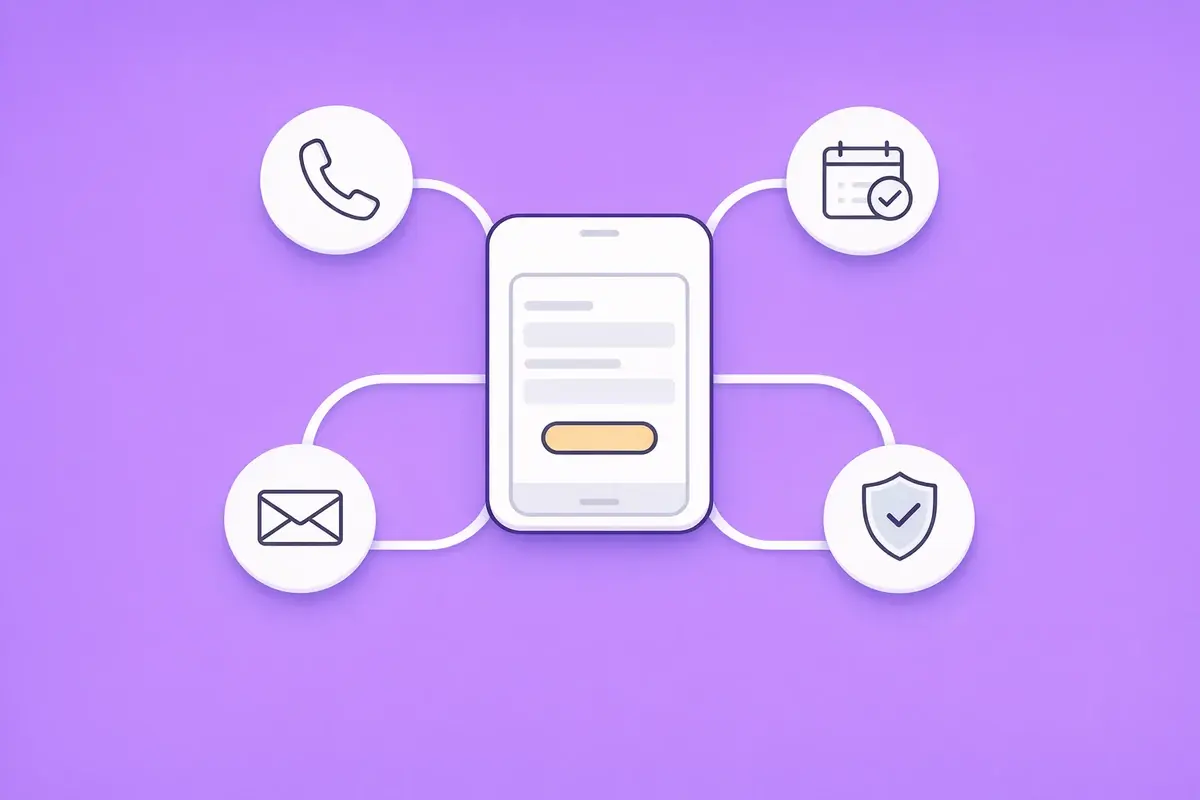
A contact page that converts gives each type of buyer a route that suits them. Include these elements:
- A short enquiry form, visible without scrolling on a phone.
- A direct phone number, set up as a tap-to-call link.
- A booking link for buyers who would rather pick a time.
- A reply promise that says who responds and by when.
- One line of proof, such as a review or an accreditation.
- Your business details, such as your registered address and, for a UK limited company, its Companies House number.
Make the reply promise one you can keep every week, not just on a quiet one. A promise of 'within one working day' that you always meet builds more trust than 'within the hour' that you miss.
Some buyers want to ask a question first, while others want a time in the diary. Offering two or three routes gives buyers a choice without cluttering the page.
Make the contact page easy to reach
A good contact page only helps if people can find it. Put a contact link or button in the main navigation, and repeat it at the end of every service page. Use the same label everywhere, so a buyer never wonders whether two links lead to different places. Pages that end without a next step leave the buyer to work it out.
Design it for a phone first
Most landing page visits now arrive on a small screen. In Unbounce's 2024 data for commercial and professional services, 81% of landing page visits were on mobile. Yet desktop visits converted about 40% better than mobile (11.6% v 8.3%). Small buttons, long forms, and phone numbers that cannot be tapped all widen that gap. Test your contact page on your own phone before anything else.
Key Takeaway: A contact page should answer who replies, how soon, and what happens next, and work with one thumb.
Write an enquiry form people finish
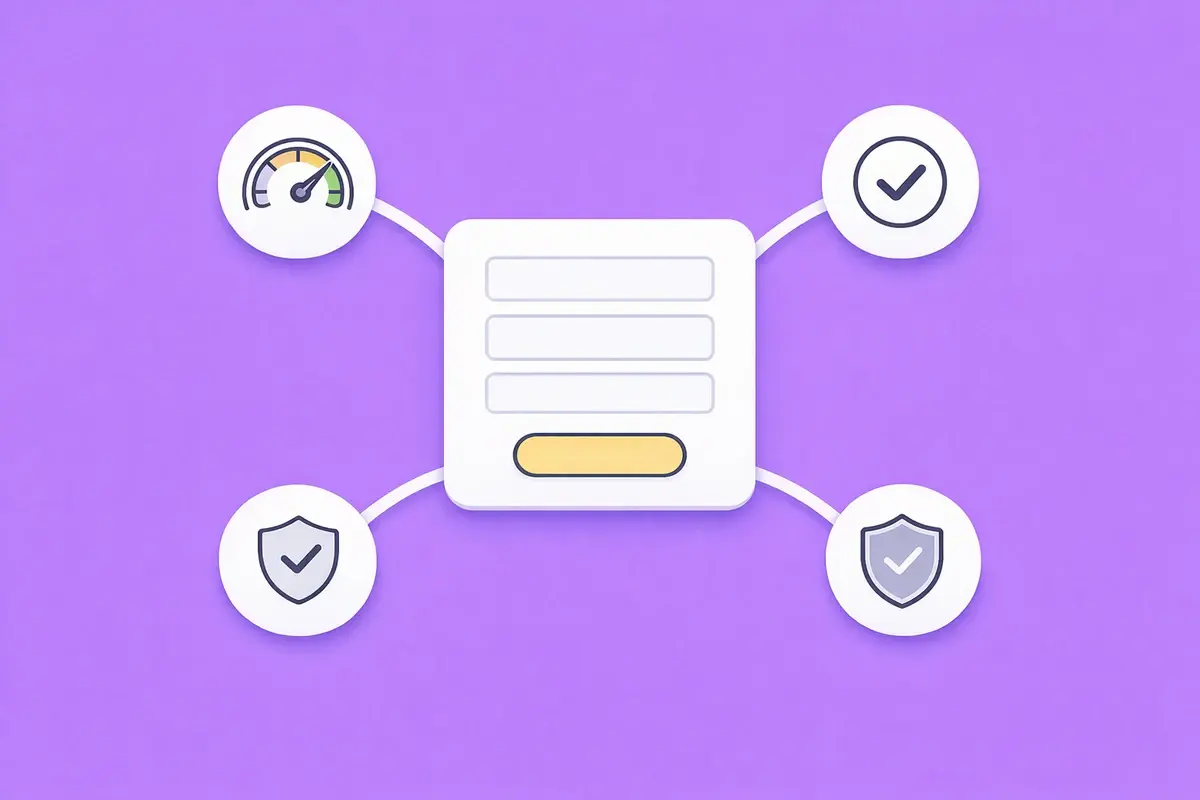
An enquiry form should ask only what you need to reply well. For most B2B service firms, that means a name, a work email, and a short message. Every extra field should earn its place by changing how you respond.
Which fields to keep and which to cut
Keep fields that change your reply, such as the service someone needs or a rough timeframe. Cut fields you could cover on the first call, such as company size or how they heard about you. Mark optional fields clearly, and never ask for a phone number you will not use. Put each label above its input box, so it stays visible while someone types.
Write the button and the confirmation
The button should say what happens next. 'Request a call back' or 'Get a quote' tells the buyer what they are agreeing to, while 'Submit' does not. After someone sends the form, show a confirmation that names who will reply and when. Send the same message by email, so the buyer has a record.
Stop spam without adding friction
Spam submissions are a real cost, but the fix should not land on genuine buyers. A hidden honeypot field catches many simple bots without the buyer ever seeing it. Server-side filtering in your form tool catches more. Add a visible challenge, such as a CAPTCHA, only if spam keeps getting through, because every extra step is another reason to give up.
Keep the form page fast
Speed affects whether people finish the form. A study commissioned by Google and run by 55 and Deloitte (2020) tracked mobile load times across retail, travel, luxury, and lead generation sites. On lead generation sites, the largest effect of a 0.1-second speed gain was 21.6% more users moving from the first form step to submission. The study summary on web.dev sets out the four speed metrics it measured. Compress images, remove unused scripts, and test the form page in PageSpeed Insights.
Key Takeaway: Ask for the least you need, say what happens after the click, and keep the form page fast on mobile.
Earn more from the traffic you already pay for
More traffic is the expensive way to get more enquiries. Improving how existing visitors convert works on traffic you already have, and every gain applies to future visitors too. Paid traffic, by contrast, stops when the budget does. That is why we start with conversion before traffic when a site already has steady, relevant visitors.
What conversion rate should a B2B page aim for?
Unbounce's 2024 benchmark puts the median conversion rate for commercial and professional services landing pages at 6.1%. The median across all industries was 6.6%. A service page does a broader job than a campaign landing page, so treat these as reference points, not targets. If a page with steady, relevant traffic converts at a fraction of 1%, the page is the problem.
Do the maths before you buy clicks
A simple illustration shows why. Take a page with 1,000 relevant visits a month, converting at 1%. That gives 10 enquiries. Lifting the page to 2% gives 20 enquiries from the same visits, which matches buying another 1,000 visits at the old rate. The figures are illustrative, but the arithmetic holds for any page.
Reply while the buyer still cares
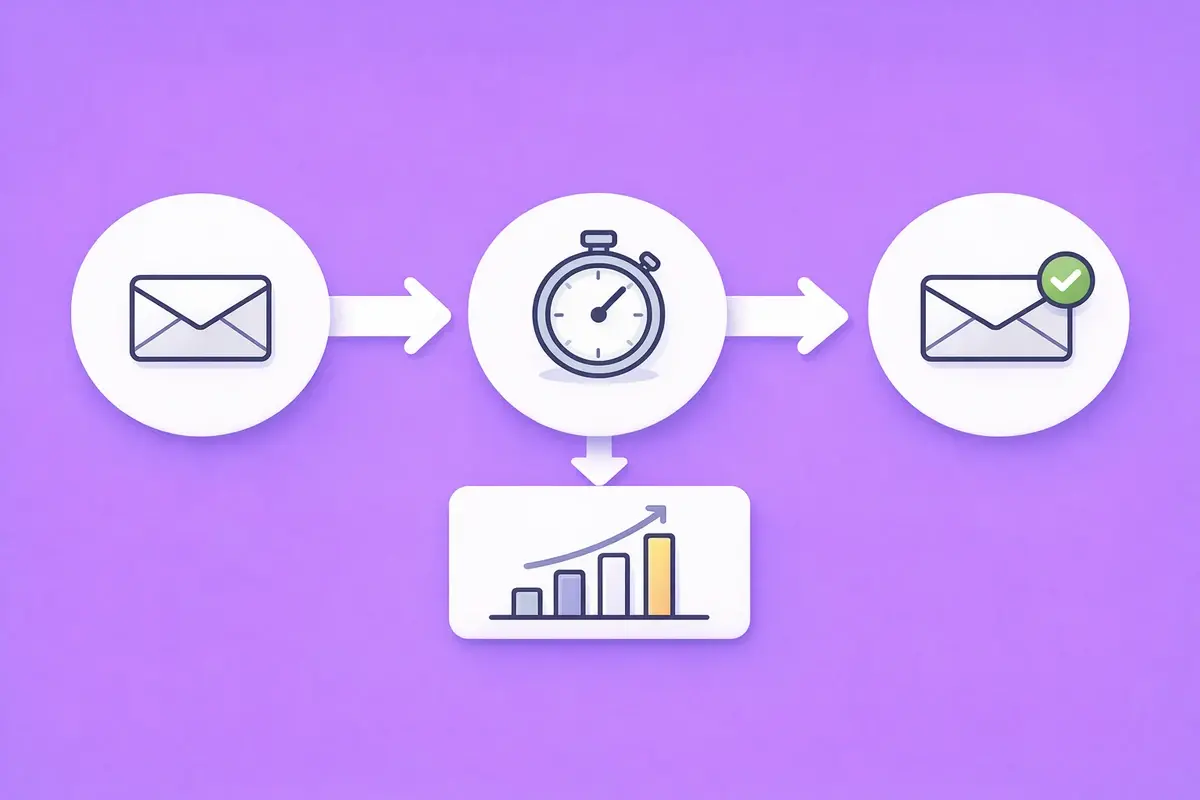
The fastest gain often sits after the form. A 2011 Harvard Business Review study looked at how quickly firms answered web leads. Firms that tried to make contact within an hour were nearly seven times as likely to qualify the lead. The comparison was with firms that waited even an hour longer.
Among firms that replied within 30 days, the average first response took 42 hours. Lead response time, the gap between an enquiry arriving and your first reply, is one of the cheapest numbers on your site to improve.
Set a reply target, assign every new enquiry to a named owner, and send an automatic confirmation that says when the buyer will hear back. In HubSpot, a simple workflow can handle the assignment and the confirmation.
Turn existing pages into enquiry routes
Many sites already have pages that attract the right people but give them nowhere to go. Blog posts, guides, and case studies often end without a call to action. Add a short, relevant next step to each one, linked to the service page it supports. A reader who has just finished a useful article is often warmer than a cold visitor from an ad.
Our guide on how to increase enquiries without spending more on ads covers conversion, follow-up, and getting more from existing traffic in more depth.
Key Takeaway: Doubling a page's conversion rate does the same job as doubling its traffic, and a faster reply protects every enquiry you win.
How to get more enquiries from your website, in order of payback
Start closest to the enquiry and work outwards. With the leaks found, the order of fixes decides how quickly you see more enquiries from your website. A fix to the form helps everyone who already wants to talk, while a new blog post helps a few strangers next quarter.
Track enquiries, not just visits
Set up each form submission, phone tap, and email click as a key event in GA4. That shows which pages produce enquiries, not just visits. Then compare GA4 with the enquiries your CRM actually received each month. A gap between the two points to tracking errors or spam.
Phone enquiries are the easiest to lose from your reports. Track taps on your phone number as a key event, and log every call in your CRM with the page or source the caller mentions. Asking 'how did you find us?' on each call fills the gaps that analytics cannot see. We set this tracking baseline before changing anything on a client site, so every later fix can be measured.
Review the numbers once a month rather than once a week. Enquiry volumes on many B2B sites are small enough that weekly figures swing for no clear reason. A monthly view, set against the same month last year where you have it, shows the real trend.
Prioritise by effort and effect
The table ranks common fixes by effort and by how directly they touch the enquiry. The ratings are our assessment, not measured data.
| Fix | Effort | Effect on enquiries |
|---|---|---|
| Repair the form and the tracking | Hours | Direct |
| Set a reply target and a named owner | Hours | Direct, after the form |
| Rewrite the first screen of key pages | Days | Direct |
| Add proof beside each call to action | Days | Direct |
| Simplify the contact page and enquiry form | Days | Direct |
| Improve mobile page speed | Days to weeks | Direct |
| Attract better-matched traffic with targeted content | Weeks to months | Indirect |
Change one thing at a time where you can, and compare the same period before and after. Where traffic is high enough, an A/B test gives a cleaner answer than a before-and-after comparison.
Know when a rebuild is the right answer
Most sites need fixes, not a rebuild. A rebuild makes sense when the platform itself blocks the fixes above. Typical signs are forms that cannot connect to your CRM, templates nobody can edit without a developer, and pages too slow to repair. Even then, set the tracking baseline first. Without it, you cannot show the new site performs better than the old one.
Key Takeaway: Measure first, then fix from the enquiry outwards, so every change has a baseline to beat.
Related guides
Each guide in this series goes deeper on one part of getting more enquiries from your website. Read them in this order if you are working through your own site, or jump to the one that matches your biggest leak.
Website traffic but no enquiries? 5 checks in order
A diagnostic for when traffic looks healthy but the inbox stays quiet. It works through the form and tracking, bots, traffic fit, the page, and buyer timing, in that order. Read why your website gets traffic but no enquiries.
How to increase enquiries without spending more on ads
For firms that want more enquiries from the visitors they already have. It covers conversion fixes, reply speed, and follow-up. Read how to increase enquiries without spending more on ads.
Start with the page that already gets traffic
Start with one page. Pick the page with the most relevant visitors and walk through it on your phone as a buyer would. Submit the form, time the reply, and note every point where you hesitated. Fix those first, then measure whether they bring more enquiries from your website. If you want an outside view of where enquiries leak, our Website Conversion Audit gives you a prioritised list of fixes.
Find out where your enquiries leak
Traffic arrives but the inbox stays quiet. Our Website Conversion Audit checks your key pages, contact page, and enquiry form, finds the leaks and tracking gaps, and gives you a prioritised list of fixes.