
Website redesign checklist: launch without losing enquiries


A website redesign checklist for a service business has one job. It makes sure the new site brings in at least as many enquiries as the old one. Most redesigns are judged on how the site looks on launch day. The enquiry count a month later is what pays for it.
Picture the week after launch. The new pages look sharp, everyone has said so, and the phone has gone quiet. Nothing is broken that anyone can see. Old pages have lost their redirects, a form has stopped reaching the inbox, or the tracking no longer counts anything.
This checklist puts the steps in the order that protects enquiries. You record a baseline first, keep what already works, move every URL safely, and rebuild tracking before launch. Then you compare the numbers at 30, 60 and 90 days.
Should you redesign your website or fix it first?
Fix first when the site works but does not convert, and redesign when the platform blocks the fixes. Many sites that feel tired have a narrower problem, such as a broken form, the wrong traffic or a weak first screen. A redesign will not cure any of those on its own.
Signs a fix is enough
A fix is enough when visitors arrive but do not get in touch. Check whether the form works, whether the visitors are real buyers, and whether each service page says who it helps. Our guide on why a website gets traffic but no enquiries walks through those checks in order.
Signs a website redesign is the right call
A redesign is the right call when the build itself stops progress. Typical signs are pages nobody can edit without a developer, and forms that cannot connect to your CRM. Templates that are too slow to repair, or a structure that no longer matches what you sell, point the same way.
If you are unsure, test one fix on your busiest page first. A fix that lifts enquiries tells you the site is not the whole problem.
The website redesign checklist in 12 steps
The website redesign checklist below runs from first planning to the 90-day review. Each step protects enquiries you already win or makes new ones easier to measure.
- Set one goal for the redesign, written as a number of enquiries.
- Record 90 days of enquiries by source and landing page.
- List every URL on the current site.
- Mark the pages that produce enquiries, and decide to keep, merge or remove the rest.
- Plan the new structure around the services you sell.
- Write the copy before the design, starting with key service pages.
- Design the first screen, contact page and enquiry form for a phone.
- Map 301 redirects from every old URL to its closest new page.
- Rebuild tracking in GA4 and test every form, call link and email link.
- Check speed, accessibility, title tags and the XML sitemap on the staging site.
- Launch, then submit the sitemap in Google Search Console and test the redirects.
- Compare enquiries at 30, 60 and 90 days against the baseline.
Steps 2, 4, 8, 9 and 12 decide whether enquiries survive the move, so the next sections cover them in detail.
Before the website redesign, record your enquiry baseline
An enquiry baseline is a count of the enquiries your current site produces, by type, source and page, over a fixed period. Record at least 90 days before any work starts. Without it, nobody can say whether the new site is better or worse.

What to count
Count every route a buyer uses to reach you, not just the contact form:
- Form submissions, from your form tool or CRM.
- Phone calls, from a call log or call tracking.
- Email clicks, from GA4 if they are tracked.
- Bookings, from your booking tool.
Where to find the numbers
GA4 shows key events by landing page and source, if your forms and calls are set up as key events. Google Search Console shows which pages win clicks from search. Your CRM shows what actually arrived, which is the number that matters most.
Compare GA4 with your CRM for the same months. A big gap means tracking errors or spam, so fix the tracking before you trust the baseline.
Protect the pages that bring in enquiries
Your enquiry pages are the URLs where most enquiries start, and they need the most care in a redesign. They are often a few service pages, the contact page and one or two articles that rank in search.
Find your enquiry pages
Sort GA4 landing pages by key events over the baseline period. Then check Search Console for the pages with the most clicks. Any page near the top of both lists stays, with its URL unchanged where possible.
Keep what converts
Keep the copy that already persuades people, even if the design changes around it. Moving a proven service page into a new template is low risk. Rewriting it, renaming it and moving it in the same week is how firms lose the page that paid their bills.
Keep, merge or remove the rest
Every other page gets one decision: keep, merge or remove. Merge thin pages that cover the same service, and remove pages with no visits, no links and no enquiries. Each merged or removed page still needs a redirect.
Plan the structure and copy before the design
The structure and the copy should be settled before anyone opens a design tool. Design that starts first fills pages with placeholder text, and the real words never quite fit.
Build the structure around what you sell
Give each service its own page, named the way buyers search for it. Use the keep, merge or remove decisions from your content inventory, and add pages only for services you actually offer. A structure that mirrors your services makes the main navigation short and the internal links obvious.
Write the key pages first
Start with the pages on your enquiry list, then the contact page. Each service page should say who it is for, what result you deliver and what happens after someone gets in touch. Reuse proven lines from the old pages where they still fit. Rushing this step leaves good design wrapped around weak words, which is what a website redesign checklist exists to prevent.
Map 301 redirects for every old URL
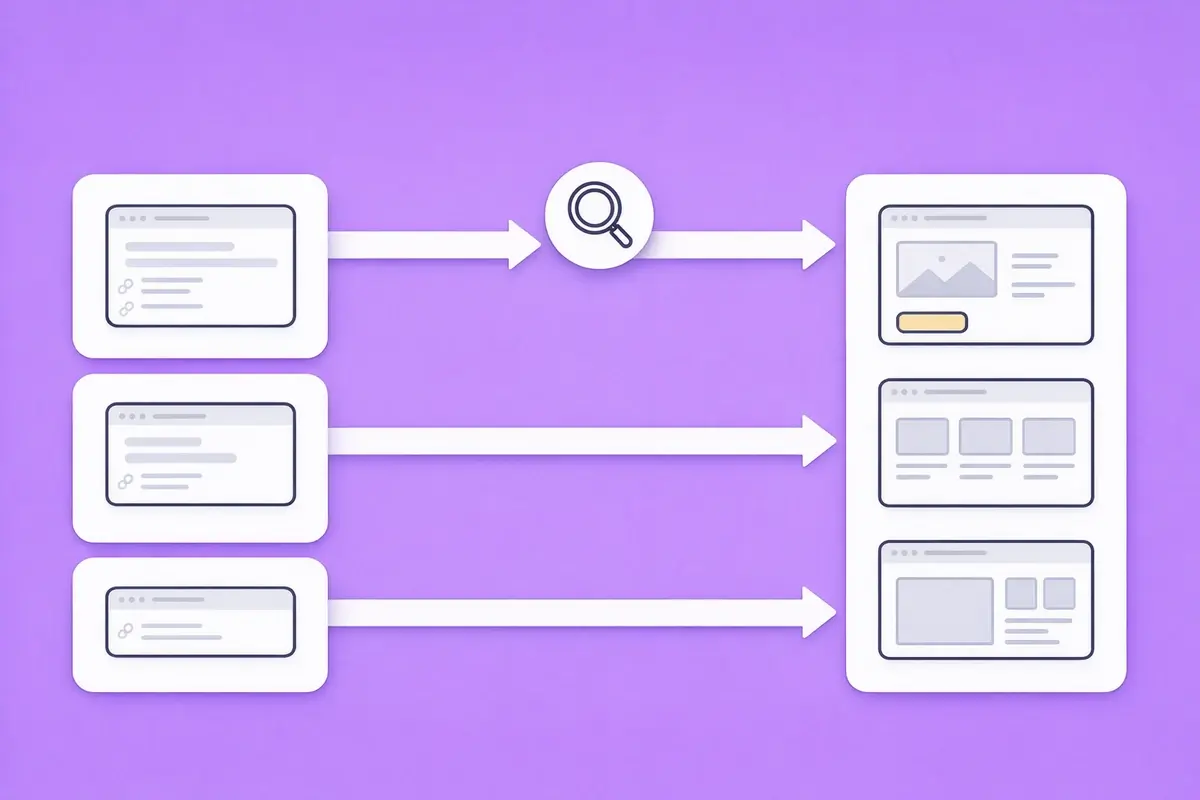
A 301 redirect permanently sends visitors and search engines from an old URL to a new one. Every old URL that changes needs a redirect to its closest new page, not to the homepage. Google's site move guidance advises keeping redirects for as long as possible, generally at least one year.
Build the redirect map
A redirect map is a simple table with one row per old URL. Add the enquiry count from your baseline, so the riskiest moves get checked first.
| Old URL | New URL | Enquiries in last 90 days | Action |
|---|---|---|---|
| /services/accounts | /services/year-end-accounts | 14 | Keep copy, 301 redirect |
| /blog/vat-guide | /blog/vat-guide | 6 | No change |
| /team-news-2021 | /about | 0 | 301 redirect |
The rows are illustrative. Your own map comes from the URL list in step 3 and the baseline in step 2.
Expect a settling period
Rankings rarely move overnight after URLs change. Google says most pages on a small to medium-sized site can take a few weeks to move, and larger sites take longer. Plan the launch away from your busiest season. Our technical SEO checklist covers crawling and indexing checks for launch week.
Rebuild tracking in GA4 before launch
Tracking has to work on the day the new site goes live, or the first weeks of data are lost. Rebuild it on the staging site and test it before launch, not after.
Test every route to an enquiry
Submit every form on a phone and a laptop. Confirm each one reaches the inbox and the CRM, and appears as a key event in GA4. Tap every phone number and email link, and check those are tracked too.
Keep the source data
Check that your CRM still records where each enquiry came from. A new form can drop hidden source fields without anyone noticing. Check the cookie consent banner as well, because a misconfigured banner can block analytics.
Our builds are AI-assisted with senior sign-off, and tracking is live before launch. That way each later change has a baseline to beat.
Design the new site around the enquiry path
A redesign should make the route from first visit to enquiry shorter and clearer. The look matters less than whether a buyer can tell who you help, why to trust you and how to get in touch.
Write plain copy for a phone screen
Pages written more simply tended to convert better. In Unbounce's 2024 benchmark for commercial and professional services, pages at a 5th to 7th grade reading level had a median conversion rate of 12.9%. Pages at an 8th to 9th grade level had a median of 6.6%. Those US grades map roughly to a UK reading age of 11 to 13. The same report found 81% of landing page visits in the sector were on mobile.
Keep the enquiry form short and fast
Ask for the least you need to reply well, usually a name, an email and a message. Speed matters too. A 2020 study run by 55 and Deloitte for Google looked at mobile speed on lead generation sites. There, a 0.1-second speed gain was linked to as much as 21.6% more users completing the form. Our guide on how to get more enquiries from your website covers the first screen, contact page and form in more depth.
After launch, compare enquiries at 30, 60 and 90 days
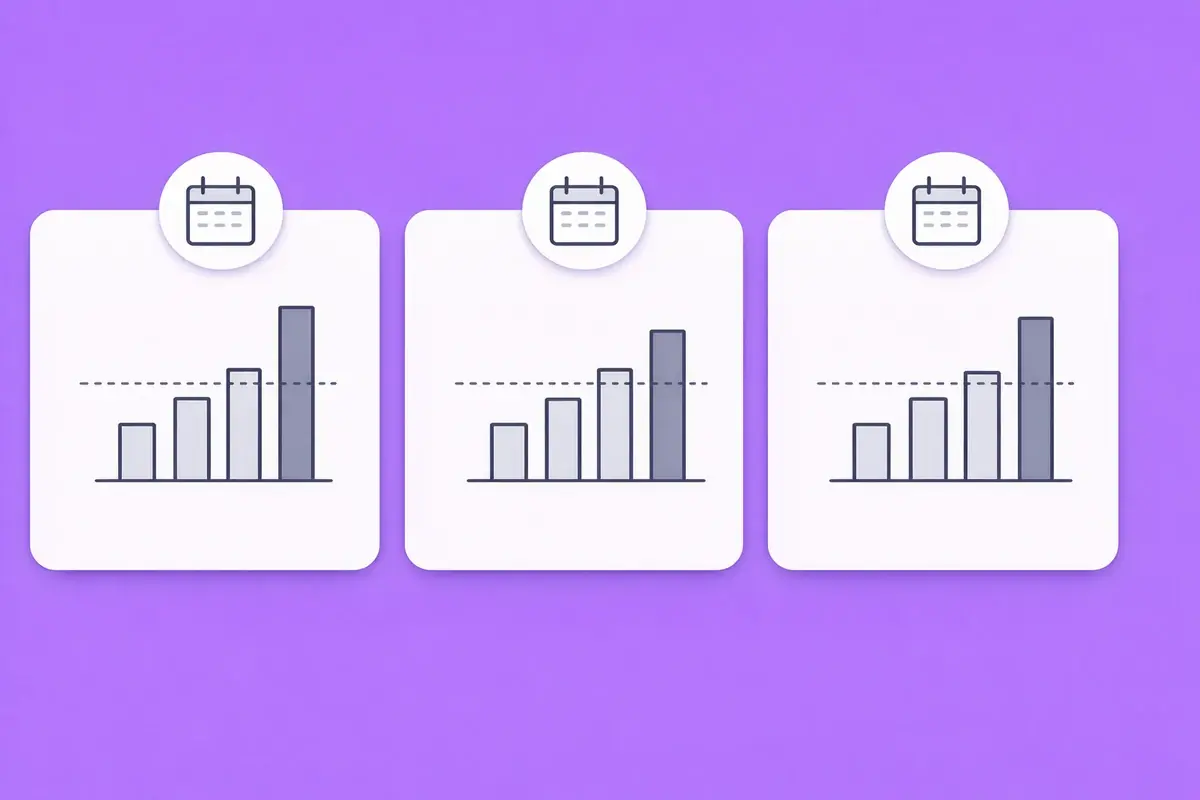
Judge the redesign on enquiries against the baseline, not on comments about the look. This is the last step of the website redesign checklist, and the one that tells you whether the redesign worked. Use the same sources and the same date lengths, and compare each period with the matching period before launch.
| When | What to check | Act if |
|---|---|---|
| Launch week | Redirects, forms, call links, GA4 key events | Any route to an enquiry fails |
| Day 30 | Enquiries by page against the baseline | A former enquiry page has gone quiet |
| Day 60 | Search Console clicks for the enquiry pages | Clicks are still falling, not recovering |
| Day 90 | Total enquiries and enquiry quality | Enquiries are below the baseline |
These thresholds are our assessment, not a published standard. If enquiries fall, check the redirect map and the tracking first, because they are the quickest causes to rule out. Small sites can see natural swings month to month, so look at the trend across all three checks.
Start with the baseline, not the mood board
Start your redesign by counting what the current site already wins. Record 90 days of enquiries, mark the pages that produce them, and keep those pages safe through the move. Then judge the new site on the same numbers. If you are planning a Website Build or want an outside view first, our free Website Conversion Audit shows which pages earn enquiries today.
Know what your current site earns before you redesign
Planning a redesign but unsure which pages bring in enquiries? Our free Website Conversion Audit checks your key pages, forms and tracking, then gives you ranked fixes within five working days.